 Get a proposal
CRM data is not trusted
Duplicates, missing fields, old owner rules, and unclear lifecycle stages make every report harder to use.
RevOps
We clean CRM data, attribution, routing, lifecycle stages, automation, and reporting so marketing, sales, and leadership work from the same numbers.
What breaks
Most RevOps problems start with the same issues: bad CRM data, broken attribution, unclear stages, and routing rules nobody owns.
Duplicates, missing fields, old owner rules, and unclear lifecycle stages make every report harder to use.
UTMs, forms, ad platforms, analytics, and CRM fields do not line up, so spend is hard to connect to pipeline.
Good leads get delayed, sent to the wrong owner, or passed without the context sales needs.
What we fix
We work across CRM, tracking, automation, and reporting. Fixing one area without the others usually leaves the same reporting problem in place.
Set up tracking so campaigns, forms, meetings, opportunities, and revenue can be tied together.
Clean the CRM structure so marketing, sales, and leadership use the same stages and fields.
Build routing, scoring, syncs, alerts, and handoff workflows around how the sales team works.
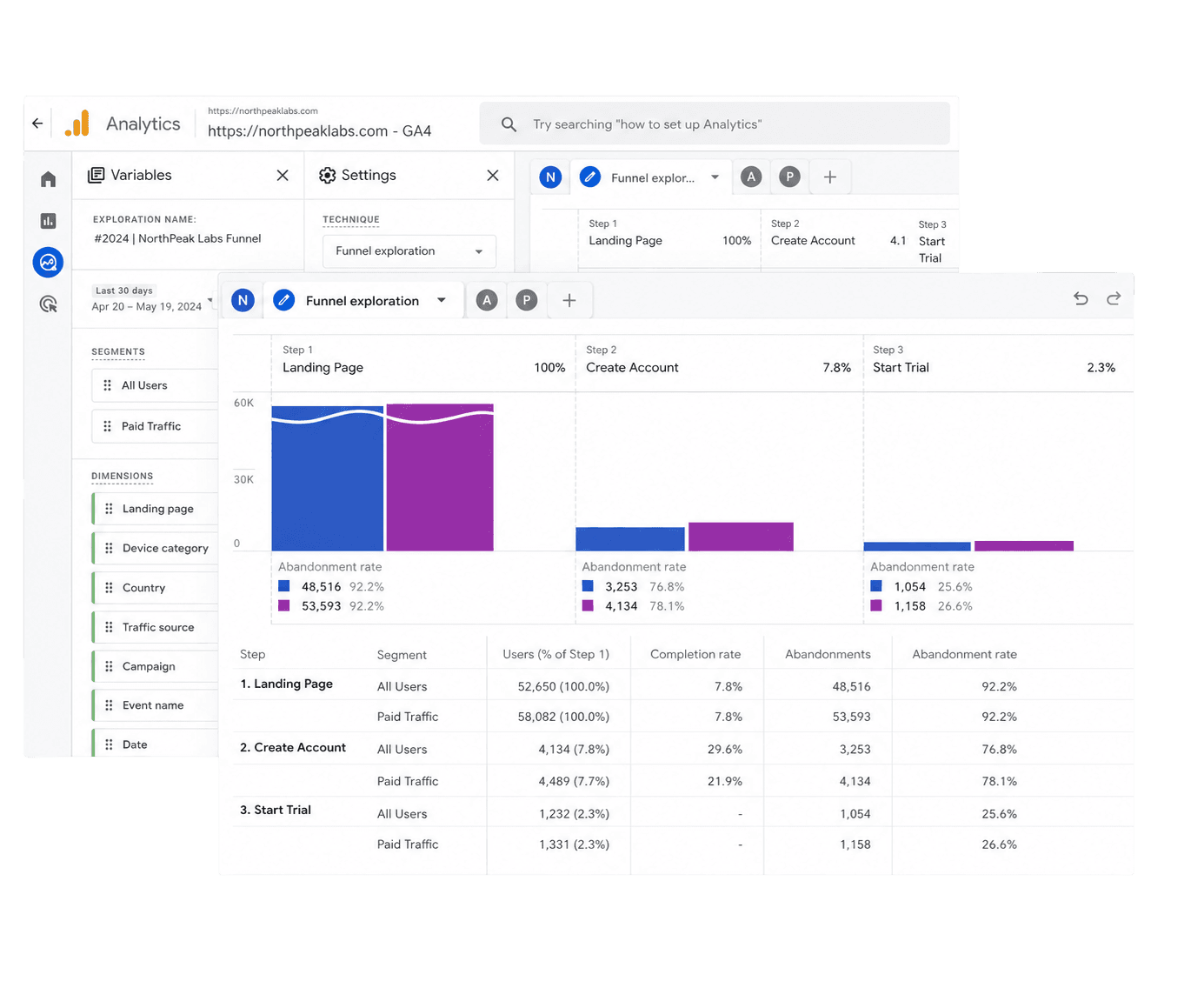
Build reports that show pipeline by source, account, stage, channel, and owner.
Process
We start with the live system, not a blank operating model. The audit shows what has to be fixed first.
01
Review CRM, marketing automation, analytics, forms, tracking, routing, lifecycle stages, and reports.
02
Define source logic, stage definitions, required fields, owner rules, scoring inputs, and reporting requirements.
03
Implement the fields, workflows, dashboards, routing, attribution, and test records before launch.
04
Review data quality and reporting every week so the system does not drift back into old habits.
Fit
This is for teams that already have campaigns, CRM, and sales motion running, but cannot trust the handoff or the reports.
First 90 days
The first month is data and rules. The second month is buildout. The third month is reporting, review, and handoff.
Days 1-30
Days 31-60
Days 61-90
Related work
ABM, paid media, CRO, and GEO all need clean source data, lifecycle stages, account fields, and pipeline reporting.
Account lists, tiers, engagement, and opportunity data need clean CRM rules.
Ad spend needs source data, conversion tracking, and offline conversions from the CRM.
Form and page tests need reliable events, lead quality, and stage movement.
Content performance needs clean source, account, and pipeline reporting.
Review
Give us the CRM and campaign context. We review where data breaks, which reports cannot be trusted, and what should be fixed first.
Answer a few direct questions. We will reply with a practical scope, priorities, and next step.